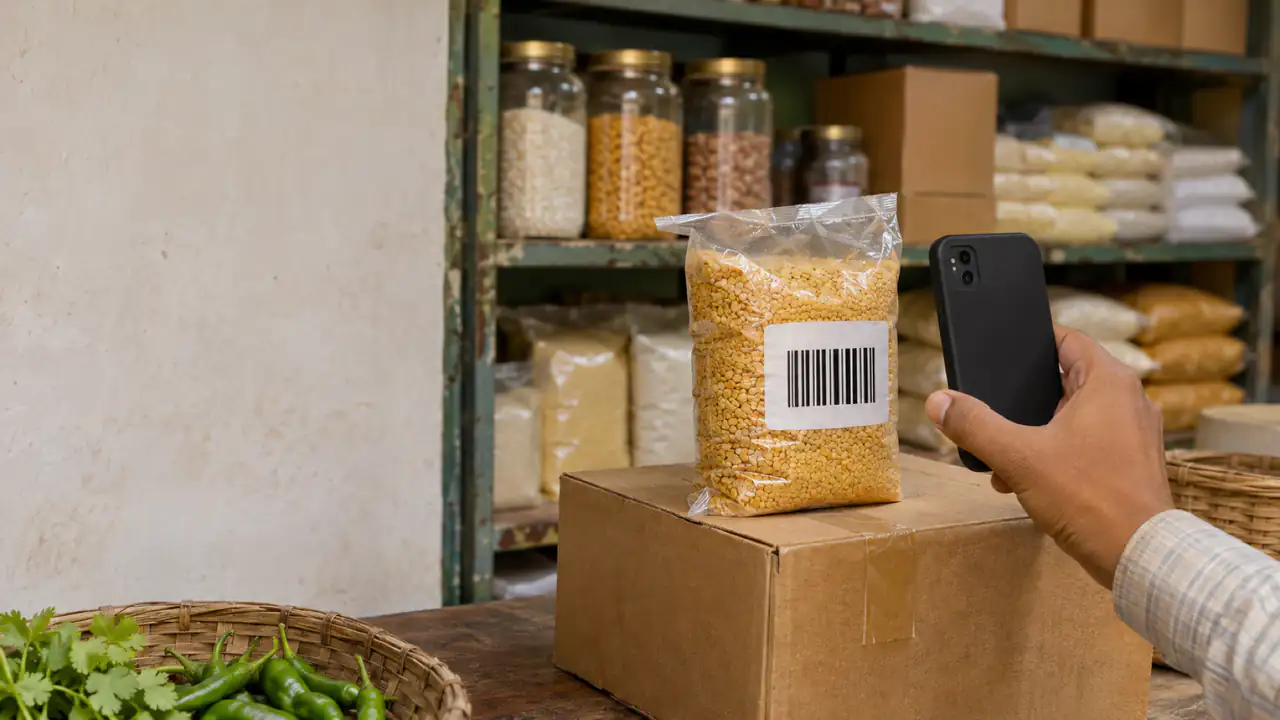
You don't need a scanner gun, a computer or a monthly subscription to keep a small business's stock. The phone in your pocket has a camera that reads barcodes, and a good free inventory app turns it into a scanner, a cash register and a stock book at once.
This post covers what a free inventory app with a barcode scanner should do, the catches hidden in "free", and how to get your shop set up in a single day.
Why a phone camera is enough
Dedicated barcode scanners are built for busy supermarket lanes. A small shop's counter moves at a different pace, and a phone camera keeps up:
- No extra hardware: nothing to buy, charge, pair or lose.
- Scan anywhere: at the counter, in the storeroom, at the supplier's van.
- One device for everything: the same phone bills, checks stock and takes the order.
If your counter gets a long queue every evening, a hardware scanner is faster, but check that the app supports one: BSMM uses the phone's camera only.
What "free" usually means
Free inventory apps make money somehow, and it's worth knowing how before your stock lives inside one:
- Limits: a cap on items, orders, users or devices, with the rest in a paid plan.
- Ads: on screens your customers can see.
- Paid features: stock tracking, a second phone or reports kept for a paid tier.
- Upsells: loans, payment services or "premium" plans pushed inside the app.
None of these is wrong, but read the pricing page first. Moving your records from one app to another later is a lot of work.
Free inventory tracker apps compared
What the free versions include, from each app's own pricing page in November 2026:
| App | Free version | Barcode scanning | Made for |
|---|---|---|---|
| BSMM | Everything, no ads, no paid plan | Phone camera | Shops: billing, stock and khata together |
| Sortly | Up to 100 items, 1 user | Yes | Tracking stock and assets |
| Zoho Inventory | Up to 50 orders, 1 user | Yes | Inventory and orders for growing businesses |
Limits and prices change, so check before you choose. Sources: sortly.com/pricing, zoho.com/inventory/pricing. For more apps, including khata and billing apps, see inventory and billing apps compared.
Checklist: what the app should do
At the counter
- Scan a barcode or search by name to add items to the bill.
- Handle any way of paying, including partly now and the rest on credit.
- Share a receipt with the customer.
On the shelves
- Take items out of stock with every sale, and put them back on a return.
- Record deliveries with cost price and, for food, expiry dates.
- Warn you when an item is low, and build a reorder list.
For the shop as a whole
- Work offline. The counter can't wait for the signal to come back.
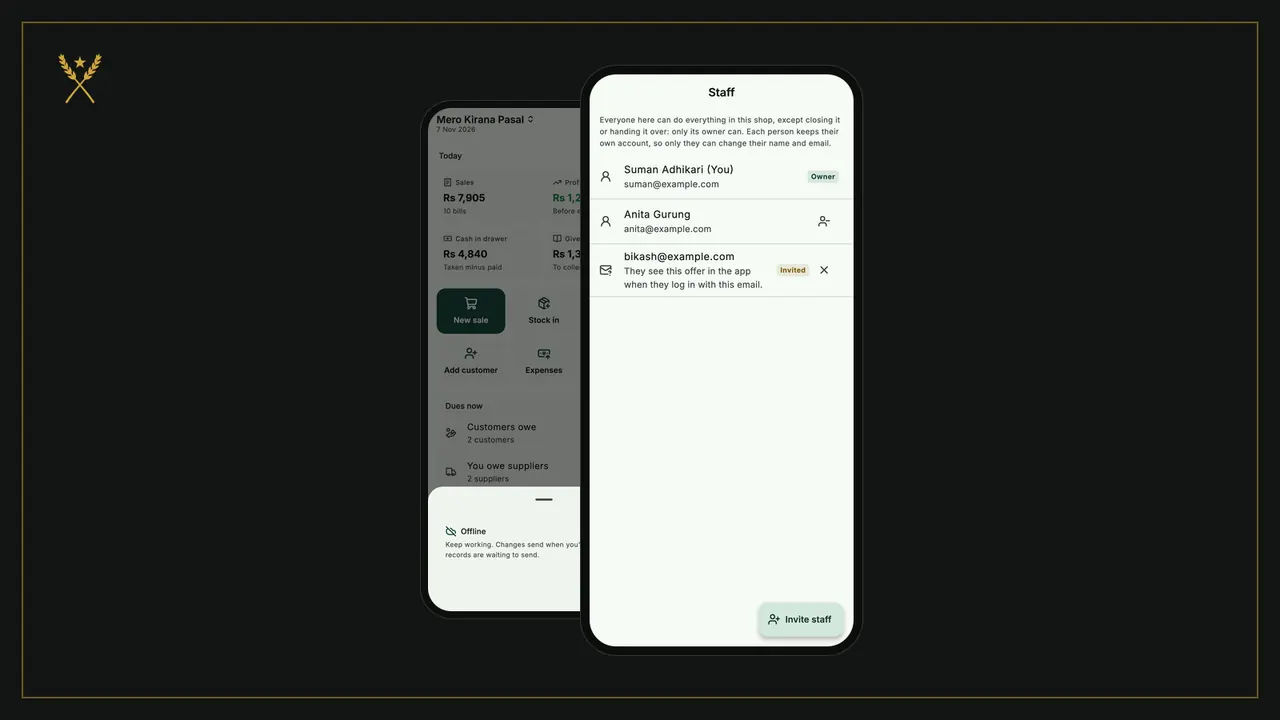
- Let staff use their own phones and keep everyone's sales in one stock.
- Import products from a spreadsheet, so you don't type 300 items by hand.
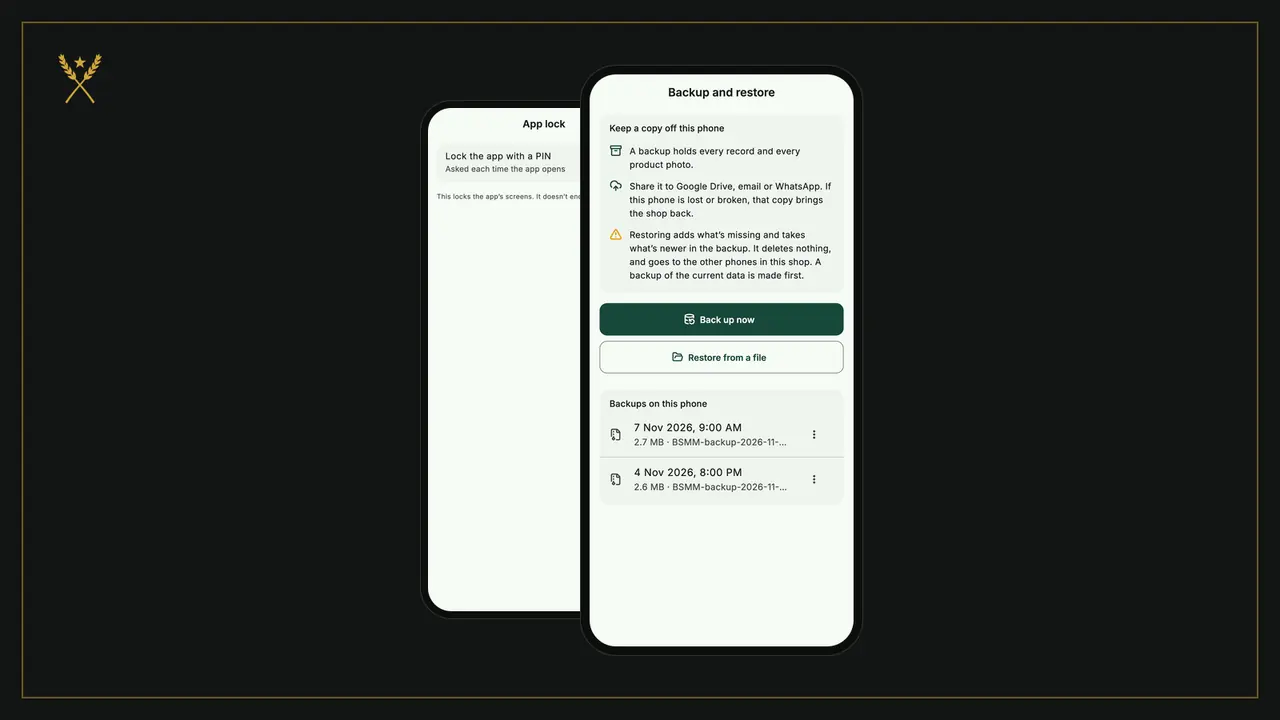
- Back up your data, so a lost phone isn't a lost shop.
How to set up your shop in a day
Morning: your fast movers. List the 30 to 50 items that sell most. For each one, scan its barcode in the app, add the name, size, cost price and selling price, and count what's on the shelf as the opening stock.
Afternoon: everything with a barcode. Walk the shelves and scan the rest. If you already have a product list in a spreadsheet, import it instead and scan only to check.
Items without a barcode. Loose goods, local bread, home-made pickles: give each one a clear name and a short code of your own, and find them by search at the counter.
Evening: warning levels. Set a low-stock level on the items you can't afford to run out of. Then start billing: from now on every bill takes stock out, and as long as you record each delivery with Stock in, the count stays right.
Tips for scanning
- Light matters more than the camera. A dim counter makes any phone slow; a small light above the counter helps.
- Each size has its own barcode. The 500 ml and the 1 L bottle of the same oil are different products.
- Multipacks often carry a different code from the single item inside. Decide whether you sell the pack or the piece, and set the product up that way.
- Damaged or curved labels scan better held flat, a hand's length from the camera.
BSMM: free, with a scanner built in
BSMM is a free inventory, billing and credit (khata) app for small shops, on Android and iPhone. It was built at a family grocery in Pokhara, Nepal, and works for shops anywhere, from a one-person stall to a store with staff and more than one branch.
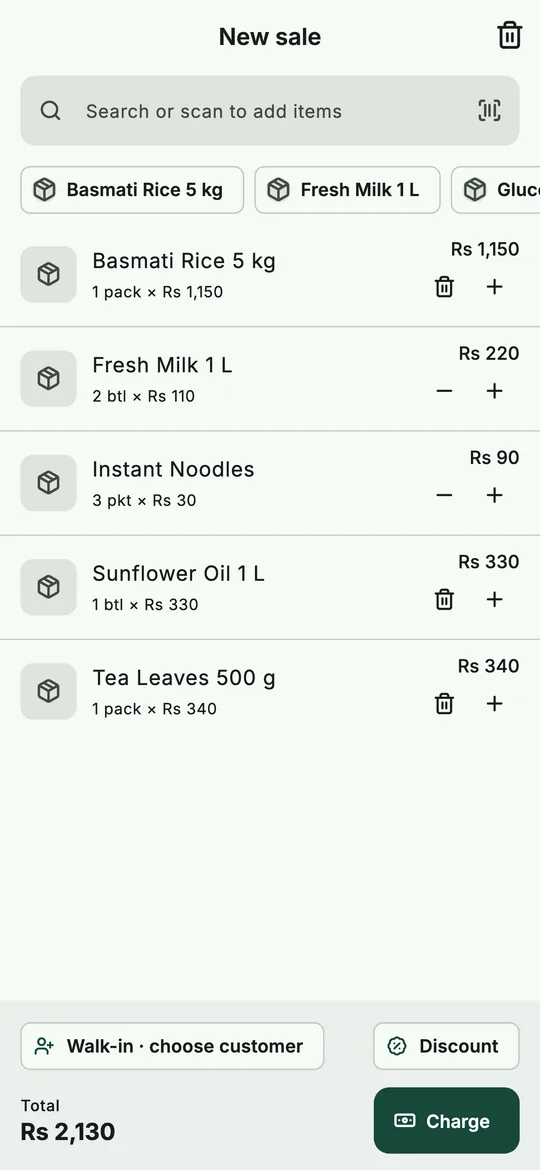 Scan or search to add items: the bill and the stock update together.
- Scan a barcode or search to add items to the bill, with the phone's camera.
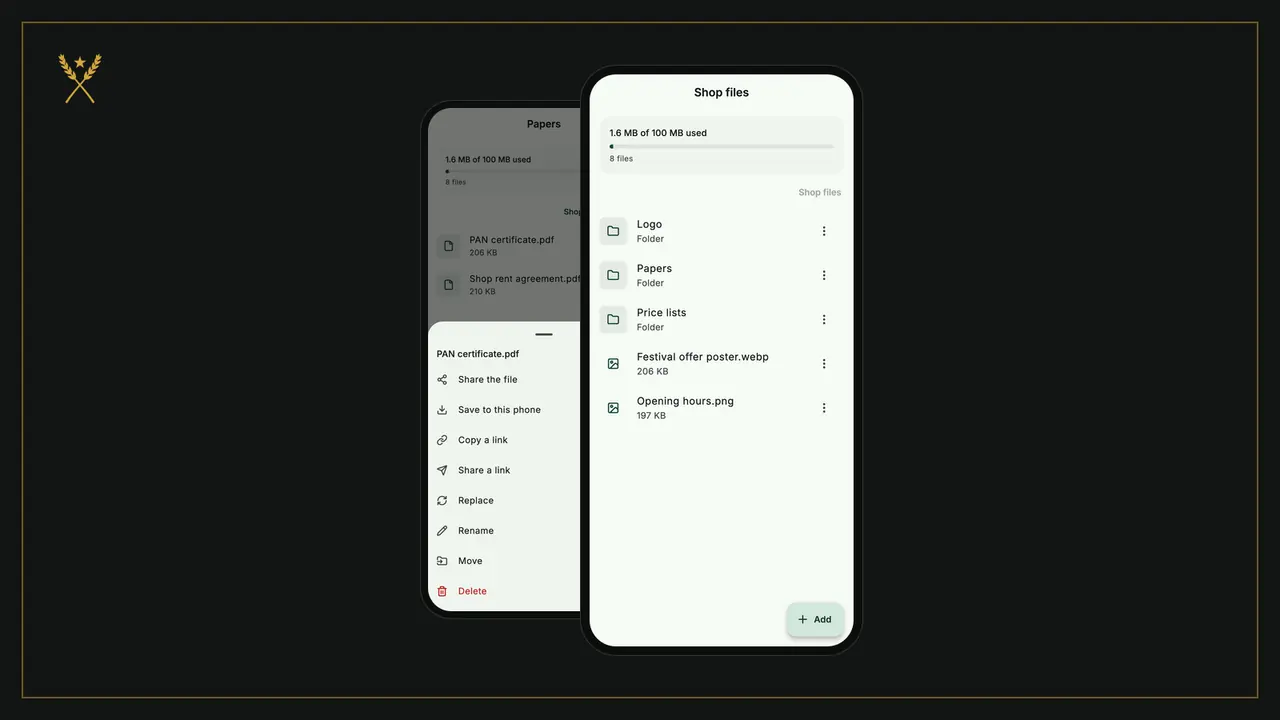
- Products with sizes, flavours, packs, photos, barcodes and your own codes, or imported from a spreadsheet.
- Stock updates itself with every sale, purchase and return.
- Low-stock and expiry warnings, and a reorder list you can share with a supplier.
- Works offline, and syncs across your staff's phones when you're online.
- Back up every record and photo to one file.
There's no paid plan, no ads and nothing to buy inside the app. For a side-by-side look at other apps, see inventory and billing apps compared.
Questions shopkeepers ask
Do I need to buy a barcode scanner? Not for a small shop. A phone camera reads standard product barcodes well. Consider a hardware scanner only if you scan hundreds of items an hour.
What if my products don't have barcodes? Give them clear names and short codes, and use search at the counter. You can also put your own barcode labels on them; inventory management for a small shop covers setting up items.
Can I use the same app on several phones? In BSMM, yes: invite your staff, and everyone works in the same shop on their own phone, for free. In many other apps, more devices or users are part of a paid plan.
Is a free inventory app safe for my data? Check three things: who can see your records, whether you can back them up, and whether the app shows ads or sells data. BSMM shows no ads, keeps your shop's records yours, and backs them up to one file.