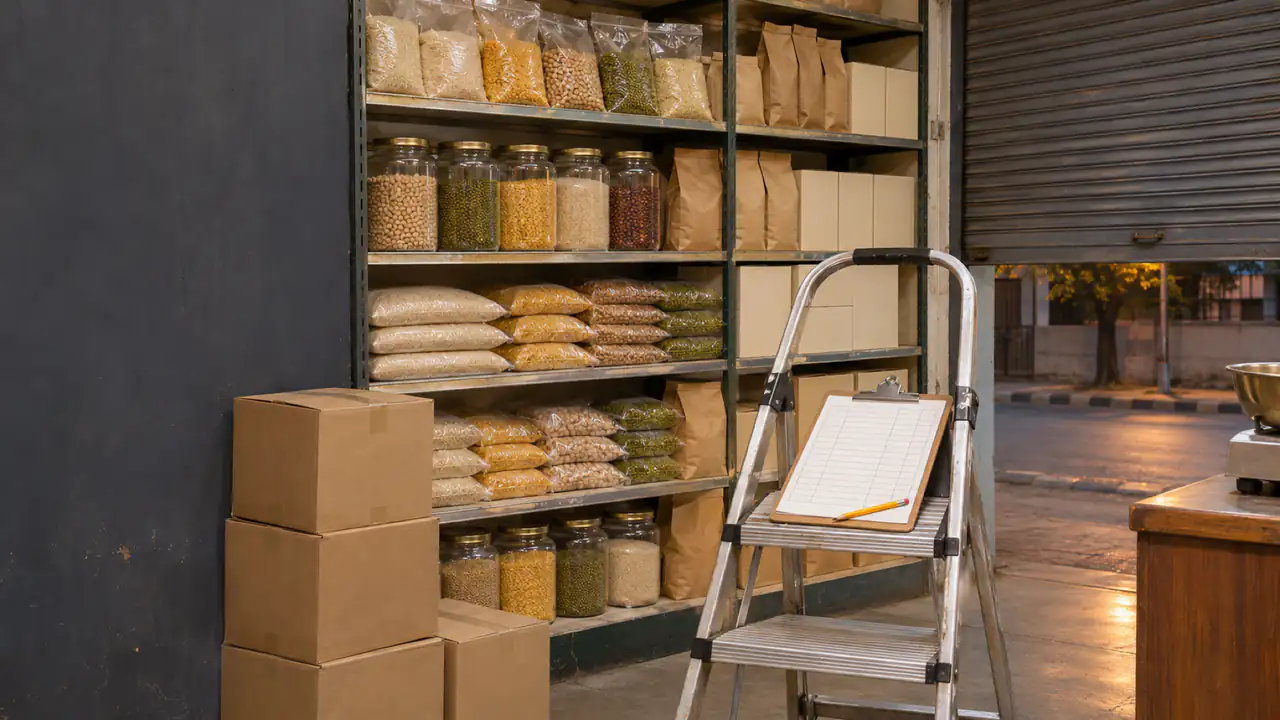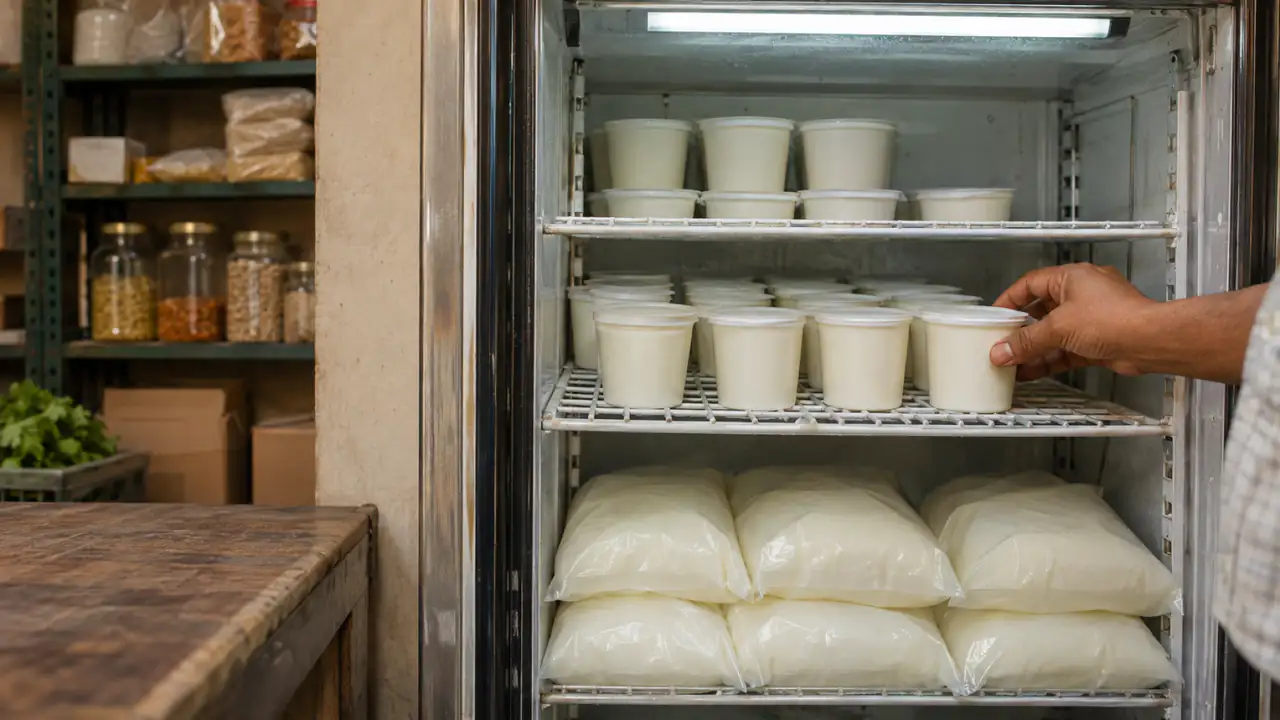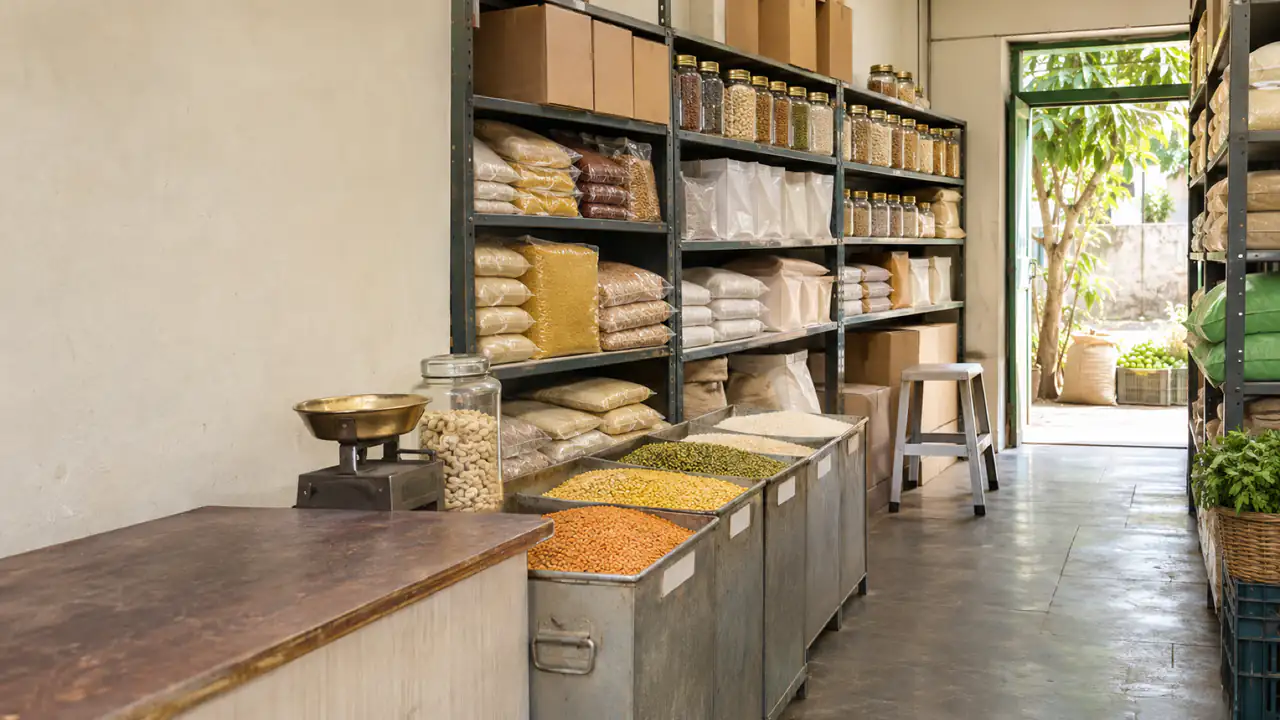
Inventory management sounds like something for warehouses and supermarket chains. In a small shop it comes down to four plain questions: what do I have, what's selling, what do I need to order, and what am I losing? A shop that can answer them on any day orders less of what sits and runs out less of what sells.
This guide shows how to manage inventory in a small retail or grocery store, step by step: a corner store, a kirana, a grocery or a general store. No warehouse jargon, and nothing that needs more than a phone.
What inventory management means in a small shop
Your inventory (or stock) is everything on your shelves and in your storeroom that you mean to sell. Managing it comes down to six steps:
- Set up your item list: what you sell, in what units, at what prices.
- Record what comes in: every delivery, at what cost.
- Record what goes out: every sale, return and damaged item.
- Know when to reorder, before the shelf is empty.
- Count, and correct the record, because the shelf and the book always drift apart.
- Learn from the numbers: what sells, what doesn't, and what each item really earns.
The rest of this guide takes them one at a time.
Step 1: set up your item list
Everything starts with a clean list of what you sell. For each item, note:
- Name and size, the way you'd say it at the counter: "Sunflower Oil 1 L", not "oil".
- Unit: piece, pack, bottle, kg. If you buy by the carton and sell by the piece, write both.
- Cost price and selling price.
- Barcode, if it has one. Items without one (loose sugar, local bread) get a short code of your own.
- Category, so you can find things: staples, snacks, drinks, household, personal care.
Don't try to list 800 items on the first day. Start with your fastest 50; they're usually a large share of your sales, and the rest can be added as they sell.
Step 2: record every delivery
When goods arrive, check them against the supplier's bill before you sign. Then record the delivery: the items, quantities, cost prices and the supplier's invoice number. For anything that expires, record the expiry date too, and sell the earliest dates first: see FIFO vs FEFO.
This step is where most shops lose track. A delivery that never gets written down makes your stock look lower than it is, and the cost you paid disappears from your profit figures.
Step 3: record every sale, item by item
"We took 5,825 today" doesn't tell you what left the shelf. Inventory management needs item-level sales: three packets of this, two bottles of that. On paper that's nearly impossible at a busy counter, which is the main reason shops move to billing software. When each bill lists its items, stock goes down by itself. This is the step a free app like BSMM takes over, for a one-person shop or one with several staff and branches.
Returns go back in, damaged or expired goods go out with a reason, and anything taken for home is written down too.
Step 4: set reorder levels for the fast movers
A reorder level is the stock at which you place the next order, so the delivery arrives before the shelf is empty. The quick version: daily sales × (delivery days + 2 spare days). An item selling 4 a day from a supplier who takes 2 days gets a reorder level of 16.
Reorder level and reorder point, with a shop example covers the full formula and safety stock.
Step 5: count regularly, and fix the record
No record stays right on its own. Count your shelves against the book:
- Fast movers weekly, a few at a time (a cycle count).
- Everything once or twice a year, a full stock take.
When a count disagrees, correct the record with a reason (damaged, expired, missing), and look for the pattern. How to do a stock take in a small shop explains how.
Step 6: read the numbers once a week
Ten minutes a week with your records tells you more than a month of guessing:
- Best sellers: never let these run out.
- Slow and dead stock: stop ordering it. See how to spot dead stock.
- Stock value: how much cash is sitting on the shelves.
- Margins: whether supplier price rises have eaten your profit. See how to calculate your shop's real profit.
An ABC analysis takes this one step further and ranks every item by what it earns you.
Numbers worth knowing
- Inventory turnover = cost of goods sold in a year ÷ average stock value (at cost). If you sold goods that cost you 24,00,000 in a year and kept about 2,00,000 of stock on average, your stock turned over 12 times: roughly once a month.
- Days of stock = 365 ÷ inventory turnover. Here, about 30 days. Fresh goods should turn much faster; slow lines will be slower.
- Gross margin = (sales − cost of goods sold) ÷ sales × 100: what you keep from each 100 of sales.
- Shrinkage: stock missing at a count, as a share of what you sold. See stock taking.
How to track inventory: notebook, spreadsheet or app?
| Notebook | Spreadsheet | Inventory app | |
|---|---|---|---|
| Cost | Almost nothing | Free or cheap | Free to paid |
| Recording sales item by item | Very hard | Hard (typed in later) | Automatic with billing |
| Running stock balance | Added up by hand | Formula | Always up to date |
| Low-stock warnings | No | With effort | Yes |
| Works with no power or internet | Yes | On a computer | Offline apps do |
| Several people at once | One book | Risky | Yes, in team apps |
A notebook works for a very small shop with one person at the counter. A spreadsheet fixes the arithmetic but still needs every sale typed in. An app that bills and keeps stock at the same time is the only option where the record keeps itself.
Mistakes that wreck the numbers
- Recording purchases but not sales, or the other way round.
- Mixing units: cartons in, pieces out, and the balance means nothing.
- Ignoring returns, damage and home use.
- Never counting. Small errors become big ones.
- Ordering from memory or from the salesman's suggestion instead of from what actually sold.
Doing it on your phone with BSMM
BSMM is a free inventory, billing and khata app for small shops, made at a family grocery in Nepal for shops anywhere. It covers every step above:
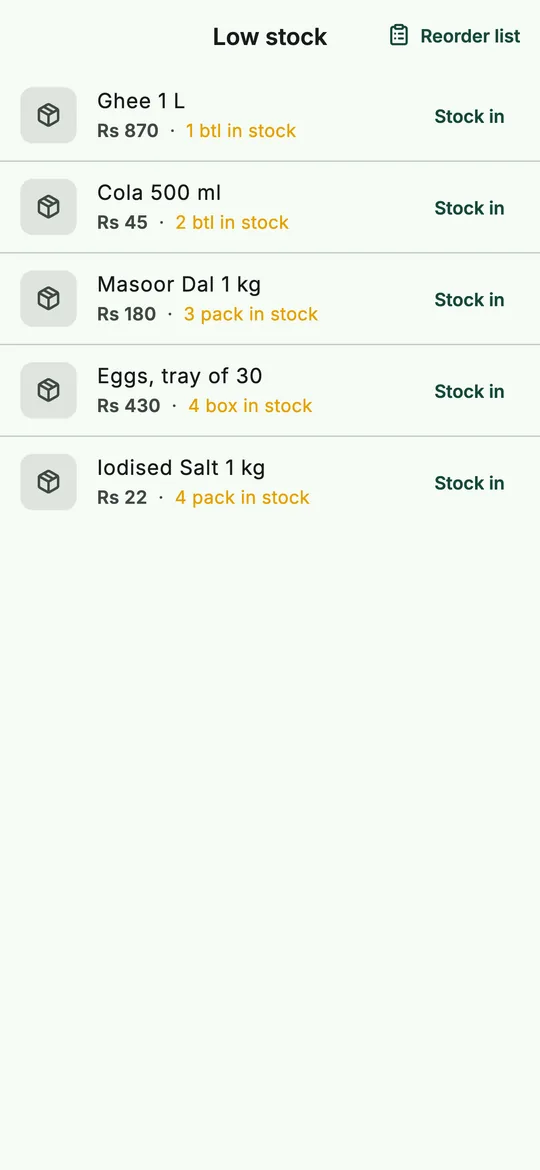 The low-stock list: everything at or below its warning level.
- Products with sizes, packs, photos and barcodes, or imported from a spreadsheet.
- Stock in for deliveries, with cost and expiry dates; purchases are kept at average cost.
- Billing at the counter with barcode scanning, so every sale takes its items out of stock.
- A warning level per product, a low-stock list and a ready-made reorder list to share with your supplier.
- Adjust stock for counts, damage, expiry and anything given away or used in the shop, each with its reason.
- Reports for any period: profit, best sellers and stock value.
It works offline, staff use their own phones, and there's no paid plan or ads.
Questions shopkeepers ask
What's the simplest way to track inventory in a small shop? Bill every sale with its items, record every delivery, and count your fast movers weekly. Software makes the first two automatic; the weekly count is the habit that keeps it honest.
What's the difference between perpetual and periodic inventory? A perpetual system updates stock with every sale and purchase, so the balance is always current. A periodic system only knows your stock when you count it. Billing apps give you a perpetual system; a notebook usually ends up periodic.
How many items should I track? All of them eventually, but start with the items that make most of your sales. Twenty well-tracked items beat five hundred guessed ones.