However careful you are, the stock in your records and the stock on your shelves drift apart. A stock take (a physical inventory count) brings them back together and shows you where the difference went: a miscounted delivery, a burst packet, an item that walked out of the door.
This guide covers how to plan and do a stock take in a small shop, how to measure shrinkage, and how cycle counts make the big yearly count much easier.
Full stock take or cycle count?
There are two ways to count:
- A full stock take counts everything at once, usually once or twice a year, often at the end of the financial year. It gives you an exact starting point, but it takes a day or an evening.
- A cycle count counts a small part of the shop at a time (one shelf, one category, your 20 best sellers) on a rolling schedule. Nothing has to close, and problems are caught within weeks instead of months.
Most small shops do best with cycle counts every week and a full count once a year.
Before you count
- Pick a quiet time: before opening, after closing, or the slowest afternoon of the week.
- Hold deliveries until the count is done, or count them in separately: stock arriving mid-count is the second most common counting error.
- Tidy first. Put stray items back where they belong, and bring stock from the storeroom into one place per item.
- Stop selling, or note what you sell. A sale in the middle of counting a shelf is the most common counting error.
- Set damaged and expired goods aside, and count them separately.
- Decide on units. Count open cartons in pieces, sealed cartons as cartons, and write which is which.
- Work in pairs if you can: one counts, one writes. Then swap and recount anything that looks wrong.
How to count
- Go shelf by shelf, left to right, top to bottom, so nothing gets counted twice or missed.
- Count what's really there, not what you think should be there. Don't look at the record until the count is written.
- Count the storeroom separately, then add it to the shelf count for each item.
- Mark each shelf when it's done, with a sticky note or a tick on your sheet.
- Recount anything far from the record before you change anything.
Compare, and find out why
When the count is done, compare it with the record, item by item. Each difference is called a variance. Common causes:
- Recording mistakes: a delivery entered twice or not at all, a sale rung up as the wrong size.
- Damage and expiry that never left the record.
- Home use: normal in a family shop, invisible unless it's written down.
- Short deliveries: the bill says 24, the carton held 20.
- Theft, by customers or, sometimes, staff.
Look for patterns before you suspect anyone. If the same item is short every month, check how it's delivered and how it's rung up.
How to measure shrinkage
Shrinkage is stock that's missing for any reason: damage, errors or theft. Work it out in money, at cost price:
Shrinkage = stock value in the record − stock value counted
Shrinkage rate = shrinkage ÷ cost of the goods sold in the period × 100
Both figures are at cost price, so they compare like with like. For example, if the record says Rs 4,20,000 of stock, the count finds Rs 4,12,000, and the goods sold since the last count cost you Rs 7,65,000:
- Shrinkage = 4,20,000 − 4,12,000 = Rs 8,000
- Shrinkage rate = 8,000 ÷ 7,65,000 × 100 = about 1.0%
There's no single "right" rate, but track yours from one count to the next. A rising rate is the signal to look closer.
How to reduce shrinkage
- Check every delivery against the bill before you sign: short deliveries are the easiest loss to stop.
- Bill every sale, even the small ones, so the record knows what left.
- Record damage, expiry and home use the same day, with a reason.
- Keep small, valuable items near the counter: batteries, razors, cosmetics, chocolates.
- Look at stock adjustments every week. The same item, the same reason, the same shift: patterns point to the cause.
- Count your best sellers often. Small, frequent counts catch problems early.
A stock-take sheet
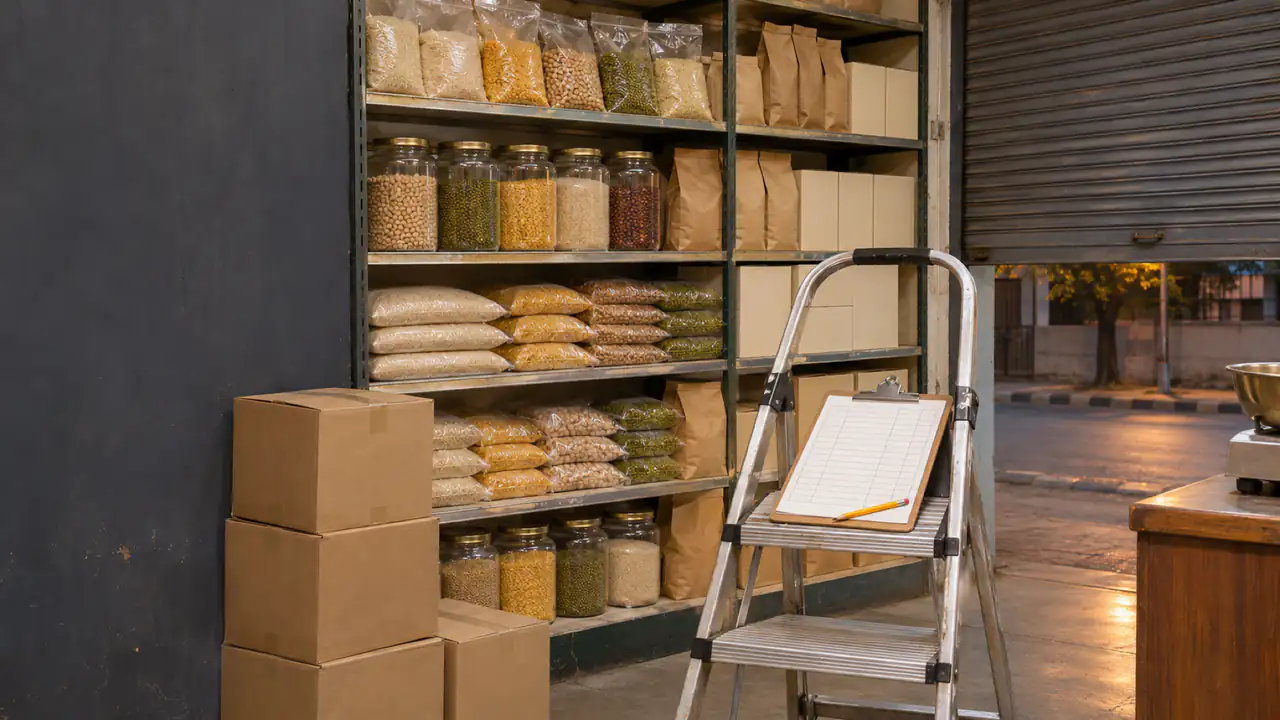
Use one line per item. Fill in the record only after counting, so it can't steer the count.
| Item | Unit | On the shelf | In the storeroom | Total counted | In the record | Variance | Reason |
|---|---|---|---|---|---|---|---|
| Sunflower Oil 1 L | bottle | 14 | 24 | 38 | 40 | −2 | One leaking bottle, one not found |
A cycle count schedule
Count the items that matter most, most often. An ABC analysis ranks your items by what they earn:
| Items | Count |
|---|---|
| A: the few items that make most of your sales | Every week, a handful at a time |
| B: the steady middle | Once a month |
| C: everything else | Every three months, or at the full count |
Fix the record, with a reason
After counting, correct the record so it matches the shelf, and write down why for every change: damaged, expired, missing, counted again. Without reasons, next year's count tells you nothing new. Apps make the reason part of the habit: in BSMM, every correction is saved with one.
Stock taking with an app
In BSMM, the free stock and billing app for shops:
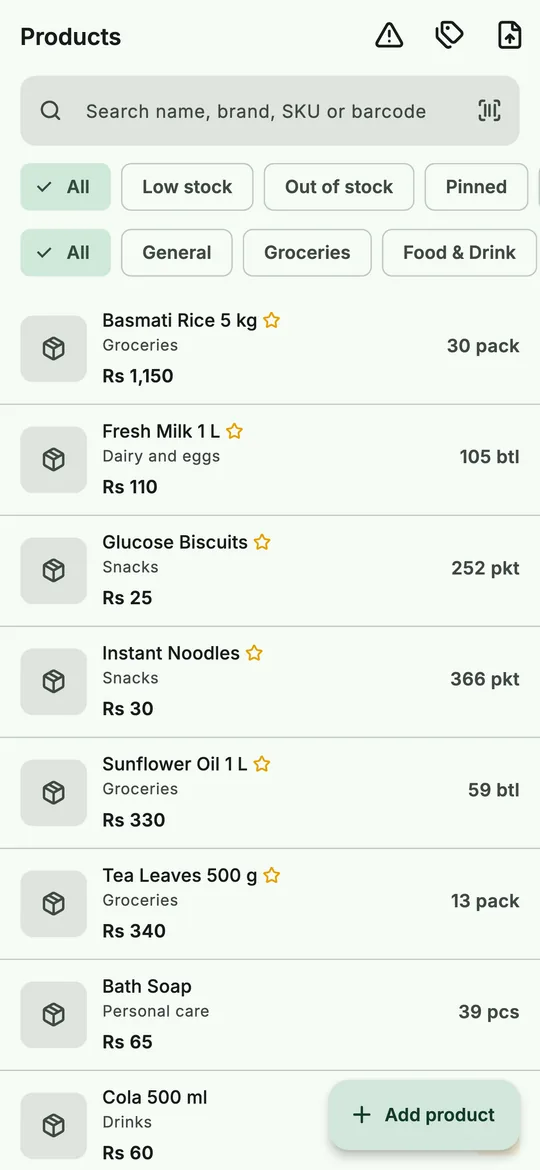 Stock on hand for every product, to count against.
- Adjust stock lets you enter what you counted on the shelf ("Counted"), and the app records the difference.
- Every change has a reason: damaged, expired, lost or stolen, used in the shop, given away, counted again or other.
- Each product's stock history shows every sale, purchase and adjustment with its date, so you can trace where a variance came from.
- Staff can count on their own phones, shelf by shelf, in the same shop.
The rest of the year, stock keeps itself: every bill takes items out, every delivery puts them in. See how to keep a stock register.
Questions shopkeepers ask
How often should a small shop do a stock take? A full count once a year, plus weekly cycle counts of your best sellers. Count more often if your shrinkage is rising.
Should I close the shop for a stock take? For a full count, counting after closing time is easiest. Cycle counts don't need you to close at all.
What's the difference between stock taking and stock checking? They're often used to mean the same thing. Some people use "stock check" for a quick count of a few items and "stock take" for the full count.